New Batch Started Join
Now!
New Batch Started Join
Now!
New Batch Started Join
Now!
New Batch Started Join
Now!
CALL
FOR ADMISSION
+(91)
7051582305
Explore Our Most In-Demand Courses!
1 Introduction to Computers 1.1 Definition and Characteristics of Computers 1.2 History and Generations of Computers 1.3 Types of Computers 1.4 Components of Computer System 1.5 Applications of Computers 2 Computer Hardware Fundamentals 2.1 Input Devices 2.2 Output Devices 2.3 Central Processing Unit (CPU) 2.4 Memory Units (Primary and Secondary) 2.5 Storage Devices 3 Operating System Basics 3.1 Introduction to Operating Systems 3.2 Functions of Operating System 3.3 Types of Operating Systems 3.4 Working with Windows Operating System 3.5 File and Folder Management 4 MS Word (Word Processing) 4.1 Introduction to Word Processing 4.2 Creating and Saving Documents 4.3 Formatting Text and Paragraphs 4.4 Working with Tables 4.5 Page Layout and Printing 4.6 Mail Merge 5 MS Excel (Spreadsheet) 5.1 Introduction to Spreadsheets 5.2 Creating Worksheets 5.3 Formatting Cells 5.4 Formulas and Functions 5.5 Charts and Graphs 5.6 Data Sorting and Filtering 6 MS PowerPoint (Presentation) 6.1 Introduction to Presentation Software 6.2 Creating Slides 6.3 Slide Design and Layout 6.4 Adding Multimedia Elements 6.5 Slide Transitions and Animations 6.6 Presentation Delivery 7 Internet and Email 7.1 Introduction to Internet 7.2 Web Browsers and Search Engines 7.3 Creating and Managing Email Accounts 7.4 Sending and Receiving Emails 7.5 Internet Safety and Security 8 Computer Networking Basics 8.1 Introduction to Networking 8.2 Types of Networks (LAN, WAN, MAN) 8.3 Networking Devices 8.4 Internet Connectivity 9 Cyber Security Fundamentals 9.1 Introduction to Cyber Security 9.2 Types of Threats and Attacks 9.3 Safe Internet Practices 9.4 Antivirus and Firewall Basics 10 Database Fundamentals 10.1 Introduction to Databases 10.2 Types of Databases 10.3 Basic Concepts of DBMS 10.4 Simple Data Management 11 Basic Accounting with Computer 11.1 Introduction to Accounting Concepts 11.2 Computerized Accounting Overview 11.3 Introduction to Accounting Software 11.4 Basic Transactions Entry 12 Multimedia and Graphic Basics 12.1 Introduction to Multimedia 12.2 Image Editing Basics 12.3 Audio and Video Basics 13 Project Work 13.1 Practical Assignments 13.2 Mini Project Development 13.3 Presentation of Project 14 Soft Skills and Professional Development 14.1 Communication Skills 14.2 Resume Preparation 14.3 Interview Skills 14.4 Workplace Ethics">">
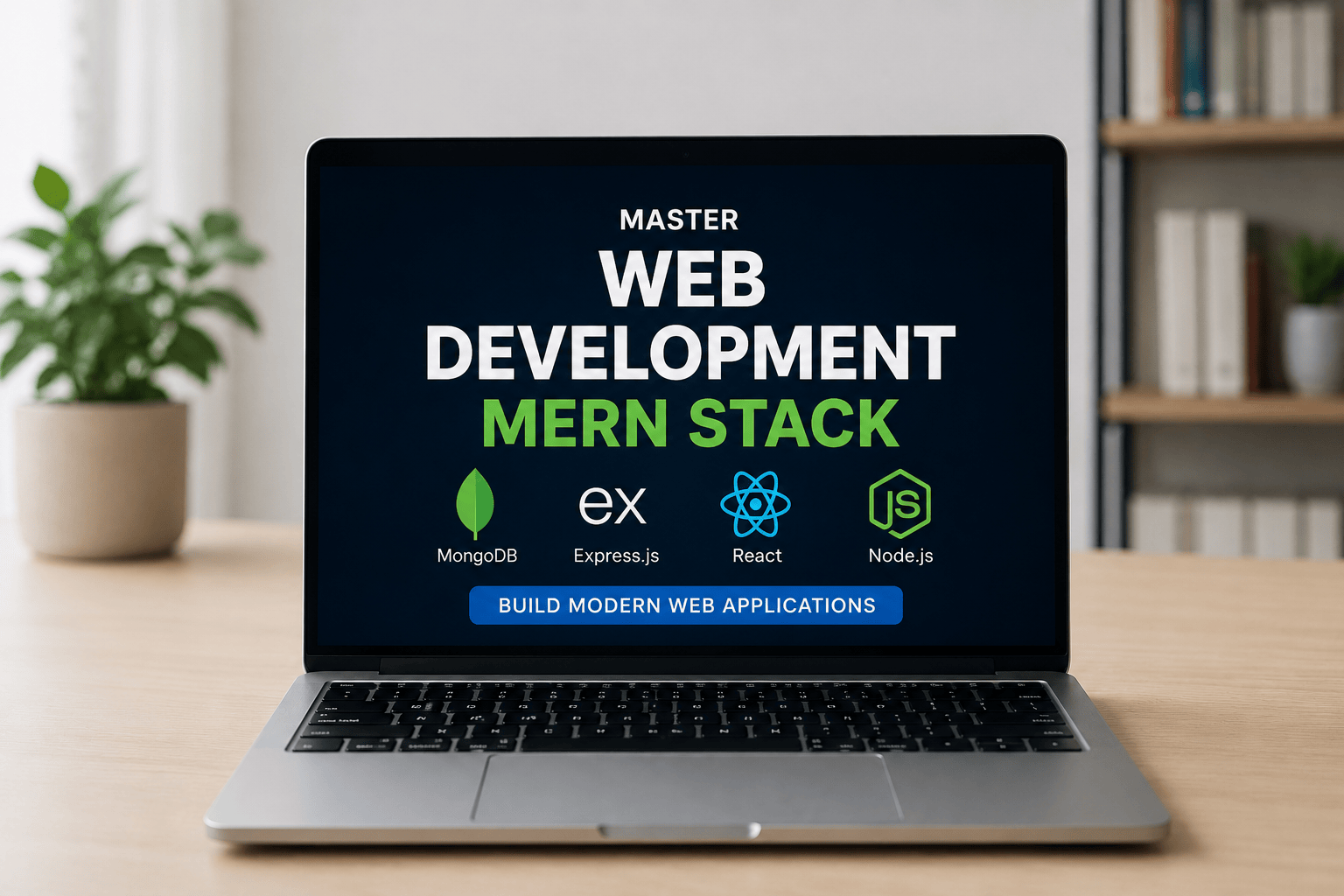
MASTER WEB DEVELOPMENT – MERN STACK The MERN Stack is one of the most powerful and in-demand technologies for modern web development. This course is specially designed for students, beginners, freelancers, and professionals who want to become full-stack web developers and build real-world web applications from scratch. In this complete course, you will learn how to design, develop, and deploy modern, responsive, and dynamic web applications using the latest MERN Stack technologies. What You Will Learn 💚 MongoDB Learn how to store and manage data using MongoDB, a powerful NoSQL database used in modern applications. ⚡ Express.js Understand how to build fast and secure backend APIs and server-side applications using Express.js. ⚛️ React.js Create modern, interactive, and responsive user interfaces with React.js, one of the most popular frontend libraries. 🟢 Node.js Learn backend development and server management using Node.js to create scalable web applications. Course Features Complete Frontend & Backend Development Real-World Projects Responsive Website Design REST API Development Authentication & Security Database Integration Deployment & Hosting Beginner to Advanced Level Live Practical Examples Certificate of Completion Who Can Join? Beginners with no coding experience Students and job seekers Freelancers and entrepreneurs Anyone interested in web development After Completing This Course You will be able to build full-stack web applications, create professional websites, work on freelance projects, and start your career as a MERN Stack Developer